Why Build What You Can Simulate?
In traditional development, you design, build, launch, and then find out if it works. If users get stuck or confused, fixing it means rewriting code, which is costly and time-consuming.
Rapid Prototyping flips this script. By creating a clickable, interactive simulation of your product, you can test "as if" it were real. Users can click buttons, navigate flows, and complete tasks. You learn immediately what works and what doesn't.
The Three Levels of Fidelity
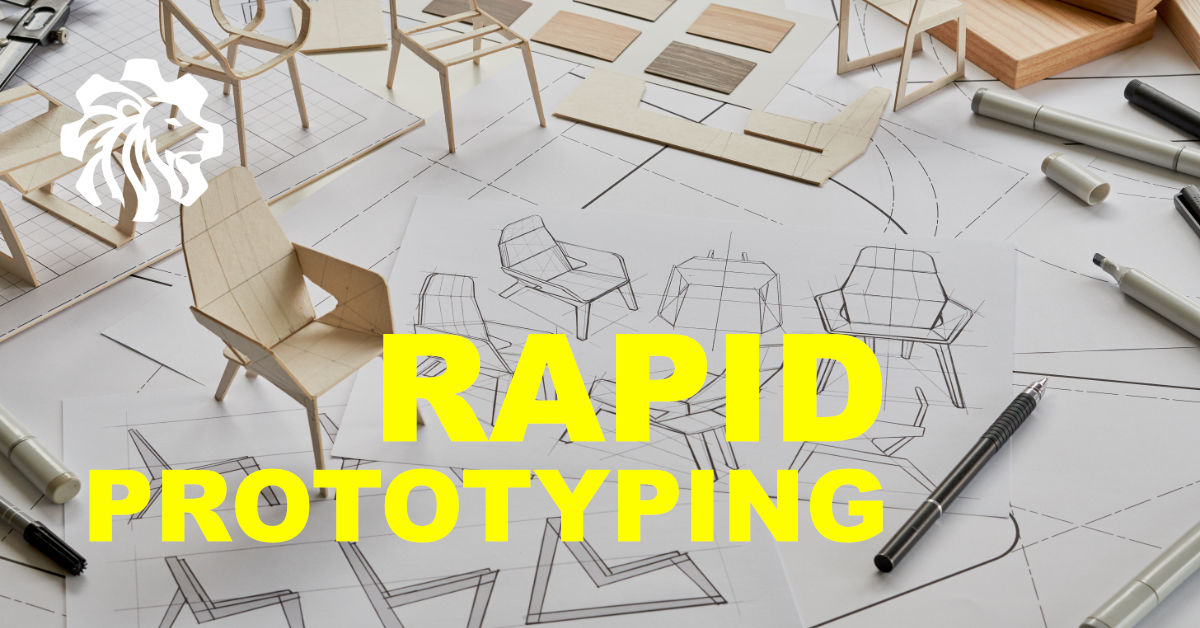
1. Low-Fidelity (Paper & Whiteboard)
Goal: Ideation and flow.
Sketching boxes and arrows on a whiteboard is the fastest way to map out a user journey. It’s messy, quick, and perfect for getting team alignment on the core logic without getting distracted by colours or fonts.
2. Mid-Fidelity (Wireframes)
Goal: Structure and layout.
Digital wireframes define where content goes. This is where you decide layout hierarchies - where the Call to Action sits, how the navigation works. Tools like Figma or Balsamiq make this easy.
3. High-Fidelity (Interactive Mockups)
Goal: Usability testing and stakeholder sign-off.
These look and feel like the final app. You can tap, swipe, and scroll. This is what you put in front of real users to test usability nuances. "Did they see the error message?" "Did they understand the pricing toggle?"
Tools of the Trade
Choosing the right tool depends on your fidelity needs. Here are some industry favorites, including AI-powered accelerators:
Design & Prototyping
- Figma: The industry standard for interface design and interactive prototyping. Excellent for collaboration.
- Balsamiq: Perfect for rapid, low-fidelity wireframing that looks like a sketch.
AI-Powered Acceleration
- Uizard: Turns hand-drawn sketches into editable digital screens in minutes.
- v0.dev: Generates copy-paste friendly React code from text prompts, bridging the gap between design and engineering.
- Lovable: GPT-4 powered full-stack web app generator that iterates based on your feedback.
Methods to Try
- Paper Prototyping: Sketch screens on paper and "play" the interaction by swapping sheets physically.
- Wizard of Oz: Manually simulate the functionality behind the scenes while the user interacts with the interface.
Business Benefits
- Reduced Risk: You don't waste budget building the wrong thing.
- Faster Development: Developers get a clear blueprint, not vague requirements. No more "I thought you meant X."
- Better User Experience: Usability issues are squashed in the design phase, not patched after launch.